
PhotoBench · real photo preparation
AI Passport
Photo Maker
Check a real photo for your document and application route.
Choose your application, add a photo and see your next step. Get suggested framing, review capture warnings and prepare the right digital file or print layout.
Print at 2 × 2 inches (50.8 × 50.8 mm exact). Keep your real appearance and original background. The official page also describes this as 51 × 51 mm.
Find My Photo SizeYour photo stays in your browser. No sign-in needed.
Start with your photo
01 · Check & prepareJPEG, PNG, WebP, HEIC/HEIF · up to 20 MB
§ 01 — Start with your task
What are you trying to do?
Find the right photo size
cm, inches and pixels, with your application in view.
Understand a lighting message
Review “illumination appears to be poor” and plan a better retake.
Make sense of eye visibility
Separate hair, frames, reflections and eye-socket shadows.
Prepare a 4×6 print sheet
Preview the layout, then download a real JPEG or PDF.
§ 02 — The right application route
One country can have several photo rules.
Choose the document and how you are applying. An online renewal original is different from a printed passport photo.
United States · Paper application
US passport
2 × 2 inch preparation and printable layouts.
United States · Online renewal
US passport
Original-file checks and submission guidance.
United States · DS-160
US visa
Square JPEG technical checks and preparation.
United States · DV entry
US Diversity Visa
Dedicated 600 × 600 pixel JPEG preset.
United Kingdom · Digital application
UK passport
Original-file checks and submission guidance.
Canada · paper process
Guidance only
Understand the size and professional photographer requirements.
§ 03 — How it works
Keep the same photo. Follow the right next step.
Choose your application
Select the country, document and paper or digital route. The relevant rules control the available tools.
Check your real photo
Get local face positioning, suggested framing and possible pose or blur warnings. Review the items that still need a human eye.
Keep or prepare the right file
Preserve the original for renewal. For compatible uses, crop and export a digital JPEG or preview a print sheet before downloading.
§ 04 — Digital & print
Know what you are downloading.
A digital portal file and a photo-paper layout serve different jobs. Your result shows the actual format, dimensions and byte size.
4×6 print layout
Example output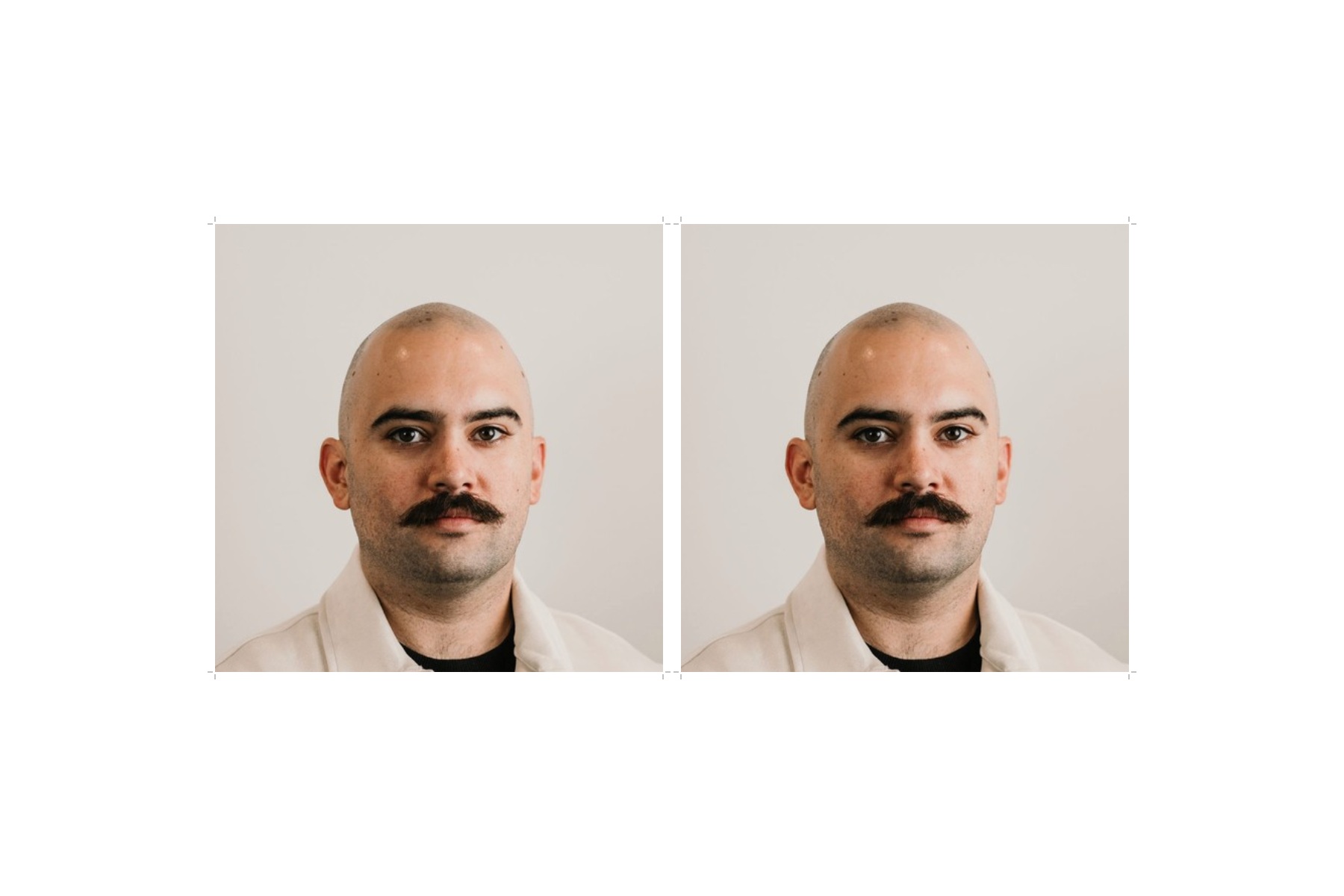
Two 2 × 2 inch photos · 6 × 4 inch sheet · 300 DPI. Print at Actual Size / 100%.
A licensed real portrait demonstrates the output. It is not an approved application photo.
Pricing · clear before you start
Free photo checks and print downloads.
Local face checks, size conversion, KB preparation, JPEGs and print sheets. No account or payment required.
§ 05 — Before you begin
Real questions. Clear limits.
Does PhotoBench generate a new passport face?
No. Start with a real photograph. PhotoBench provides local face analysis, suggested framing, technical checks and permitted preparation; it does not generate or alter your appearance.
Can you guarantee my passport or visa photo will be accepted?
No. Technical measurements and visual risk estimates cannot certify a complete application photo. Visual requirements and the authority’s final review remain necessary.
Do I need to upload my photo to a server?
The photo is read and processed in your browser. It stays in memory during the session and is cleared when you clear it, refresh or close the page.
Can I check a photo without paying?
Yes. The local tools and downloads are free. The pricing page explains the available outputs.
Can I move from size checking to printing without selecting the photo again?
Yes, in the same tab and session. The shared workspace preserves the selected photo and per-route crop settings; a refresh requires a new selection.
Can the tool fix shadows or replace the background?
No. The supported preparation controls do not alter lighting, facial details, clothing or backgrounds. Use the retake guides when capture conditions are unsuitable.
Your photo is not a marketing asset. We do not place it in analytics events or public URLs. Read the privacy notice for the local processing boundaries.