Skip to content
PhotoBench portrait crop logoPhotoBench

Photo tools · print layout

Passport Photo 4x6 Print Template

Preview a 6 × 4 inch passport photo layout and download a 300 DPI JPEG or PDF with the individual photo dimensions preserved.

Your photo · your application route

Photo stays in this browser

Print at 2 × 2 inches (50.8 × 50.8 mm exact). Keep your real appearance and original background. The official page also describes this as 51 × 51 mm.

JPEG, PNG, WebP or HEIC/HEIF · up to 20 MB. Browser support varies for HEIC. No photo is sent to a server.

Start with your real photo.

We locate your face, suggest framing and flag possible pose problems. You review the remaining requirements.

Local analysis & measured facts

Know what this check can tell you.

A correct file size does not make a photo acceptable. This check does not replace the authority’s final review.

Choose a photo to see measured format, byte size and pixel dimensions, alongside the items that need your confirmation.

See the finished file

Two photos. One ready-to-print sheet.

Try the licensed example to explore the crop and downloads. Your own photo follows the same preparation steps.

4×6 print layout

Example output
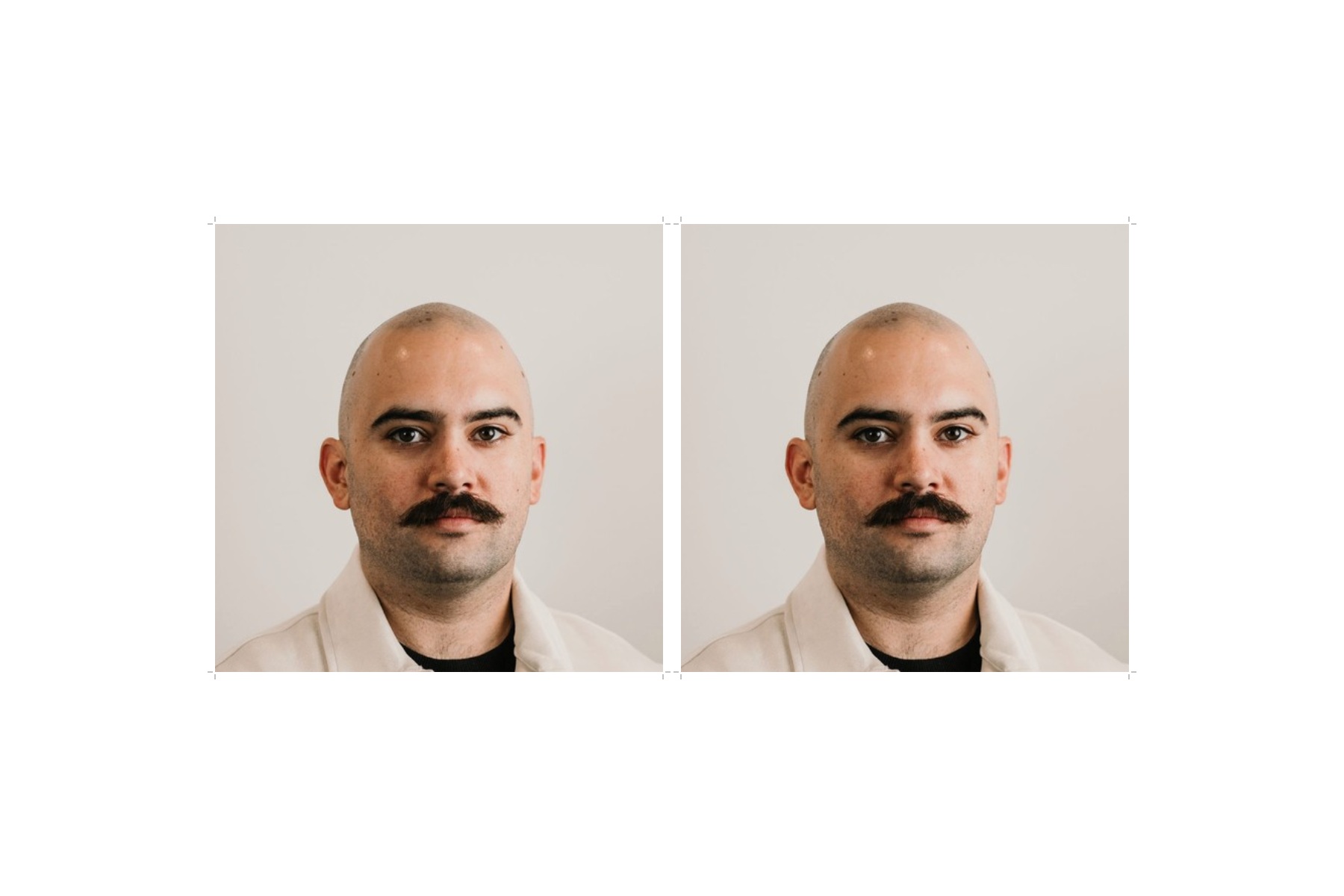
Actual print export: two copies of the same portrait on a 6 by 4 inch sheet

Two 2 × 2 inch photos · 6 × 4 inch sheet · 300 DPI. Print at Actual Size / 100%.

A licensed real portrait demonstrates the output. It is not an approved application photo.

01 · Know the requirement

The sheet is 6 × 4 inches. Each photo keeps its own size.

The landscape canvas is 1800 × 1200 pixels at 300 DPI. Layout is calculated from the selected photo’s physical size, safe margins and gaps. For 2 × 2 inch photos this layout provides two copies, with cutting marks outside the image.

02 · Choose your next step

Print at Actual Size, then measure.

Use 4 × 6 inch photo paper and select Actual Size or 100%. Turn off Fit to Page, borderless expansion and image correction. Check one finished photo with a ruler before submitting it. Printer and lab settings can change physical output even when the file dimensions are correct.

Official sources · checked 2026-11-06

Requirements can change. The authority’s current instructions and final review take precedence.

Questions about this task

Before you continue.

Why are there only two 2 × 2 photos?

Six exact 2 inch squares fill the paper edge to edge. This layout keeps practical whitespace and cutting marks instead of assuming a margin-free printer.

Is the PDF really 4 × 6 inches?

Its page is 432 × 288 PDF points, which is 6 × 4 inches. The JPEG print sheet is 1800 × 1200 pixels at 300 DPI.

Will selecting 600 DPI for the single photo change my sheet?

The print sheet remains 300 DPI and is drawn from the original image at that resolution. The chosen single-photo DPI does not change the paper size.

Why is my custom size unavailable on this sheet?

A large photo may not fit inside a 6 × 4 inch sheet with the required margins. Choose a smaller size; the tool disables sheet exports when it does not fit.

Are the cutting marks part of the passport photo?

No. They sit outside the photo area. Cut along the photo boundaries after verifying the size.

Has the physical print been verified for my printer?

No. Digital dimensions and layout can be checked here, but you must make and measure a test print on your printer or at your chosen lab.