Skip to content
PhotoBench portrait crop logoPhotoBench

Photo help · eye visibility

Eyes May Be Obstructed or in Shadows in a DS-160 Photo

Review hair, glasses, reflections and eye-socket shadows behind a DS-160 eye-visibility message, then check your original photo.

Your photo · your application route

Photo stays in this browser

Print at 2 × 2 inches (50.8 × 50.8 mm exact). Keep your real appearance and original background. The official page also describes this as 51 × 51 mm.

JPEG, PNG, WebP or HEIC/HEIF · up to 20 MB. Browser support varies for HEIC. No photo is sent to a server.

Start with your real photo.

We locate your face, suggest framing and flag possible pose problems. You review the remaining requirements.

Local analysis & measured facts

Know what this check can tell you.

A correct file size does not make a photo acceptable. This check does not replace the authority’s final review.

Eye issue selected: check hair, frames, reflections and shadows around both eyes. Retake with eyes clearly visible. See retake steps.

Choose a photo to see measured format, byte size and pixel dimensions, alongside the items that need your confirmation.

01 · Know the requirement

Look for obstruction and shadow separately.

Hair across an eye, a glasses frame, lens glare or a hat brim can hide eye detail. Even without an object in the way, overhead or side lighting can put the eye sockets in shadow. This guide cannot identify the exact reason used by the portal.
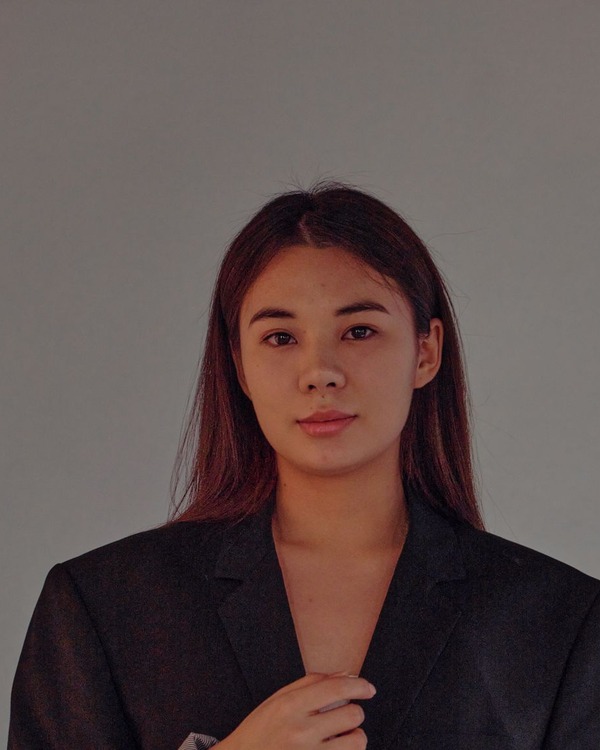
02 · Choose your next step

Make both eyes visible when you retake.

Keep hair away from the eyes, face the camera at eye level and use soft front light. For US visa photos, follow the official eyeglass rule and its documented medical exception rather than assuming reflection removal is sufficient. Do not edit an eye into an open position.

03 · Review before submission

A combined eye and illumination message can describe one capture problem.

If the portal mentions both eyes and poor illumination, inspect the light around the eye sockets first, then check for hair or frames. Retake the photo instead of digitally repainting shadows or facial details.

Teaching examples · simulated effects on a licensed demonstration photo

Teaching illustration of hair across eyes
Hair across eyes
Teaching illustration of lens glare
Lens glare
Teaching illustration of eye-socket shadows
Eye-socket shadows

Illustrations explain capture problems. They are not official examples, detector results or evidence of government acceptance. Retake the real photo rather than applying these effects.

Official sources · checked 2026-11-06

Requirements can change. The authority’s current instructions and final review take precedence.

Questions about this task

Before you continue.

Do I have to remove glasses for a US visa photo?

The general rule is to remove eyeglasses, with a specific medical exception described by the authority. Read that exception if it applies to you.

Can hair cover a small part of one eye?

Keep the eyes clearly visible. Move hair out of the way before taking the photo rather than editing it afterward.

Why are my eyes dark when the rest of my face is bright?

Overhead light can leave the eye sockets in shadow. Try soft light from in front of the face at roughly eye level.

Can you remove reflections or open my eyes?

No. The tool does not change facial appearance or paint over reflections. Retake with eyes open and unobstructed.

Does Unable to assess mean the eyes failed?

No. It means this tool cannot reliably judge that visual requirement. You need to inspect it and follow the authority’s instructions.

Why does the error also mention poor illumination?

Shadows around the eyes can be part of uneven facial lighting. Review both this page and the lighting guide; the wording does not establish the exact rejection cause.